
The file note, written as you hang up
Notes typed from memory hours later miss what mattered, and the ones that never get typed leave the matter with no record at all. AlloyVoice listens to every client call and meeting and files the note in your firm’s format, with the recording and the transcript attached.
Your format · Filed to the matter · Reviewed in a minute
- 66%of a firm’s hourly work is documentation, data collection and analysisClio Legal Trends Report
- 74%of hourly billable work could be automated with generative AIClio Legal Trends Report
- 79%of legal professionals now use AI in their practiceClio Legal Trends Report
- 1 in 3malpractice claims stem from administrative or client-relations errorsABA Profile of Legal Malpractice Claims
The note you would have written, without the typing
Every client conversation leaves a note on the matter, in the format your firm uses.
Written in your firm’s format
Who was on the call, what was discussed, what was agreed and what happens next, laid out the way your firm writes its notes.
Every call on the record
Calls are recorded through your business line or the AlloyVoice app, and the recording is attached to the note.
Meetings, not only calls
AlloyVoice joins scheduled meetings on its own, or records from your phone when everyone is in the room.
The exact words, one click away
The full transcript sits behind every note, for the moments when the wording matters.
Review it, don’t type it
Read the note, change a line if you like, approve. A minute of review instead of fifteen of typing.
Consent handled your way
Consent rules differ by state, so whether the recording is announced at the start is your setting.
Four conversations, already written up
What was said, and what was on the matter a few minutes later.
- Note filed
Maria A.
Family law · Tuesday, 2:14 PM
- Note filed
James O.
Personal injury · calling from the car
- Meeting note
The Chen family
Estate planning · in the conference room
- Note filed
Dana R.
Immigration · Friday, 5:40 PM
- ClientI’d prefer alternating weeks over the summer, if the school calendar allows it.
- AttorneyUnderstood. I’ll draft the parenting-plan amendment by Friday.
File noteagreed: amendment drafted by Friday
- ClientThe insurer called again. They want a recorded statement by Monday.
- AttorneyDon’t give one. Send me the adjuster’s number and I’ll handle it.
File notenext step: contact the adjuster
- ClientThe house should go to both kids equally, but our son should run the business.
- AttorneyThen we’ll separate the two in the trust. I’ll send a draft structure next week.
Meeting note52 min, three action items
- ClientMy interview notice came today. It’s on the 14th.
- AttorneyGood. Bring the originals of everything we filed, and we’ll prepare on the 10th.
File noteinterview on the 14th, prep on the 10th
A record of every conversation, none of the typing
The note is the part of the call nobody has time for. Now it is done.
Nothing left to memory.
The note is written from the conversation itself, not from what you remember at six in the evening.
Every matter documented.
Each call and meeting leaves a note, a recording and a transcript on the matter, so the file tells the whole story.
Hours back every week.
Reviewing a note takes about a minute. Writing one takes fifteen. Multiply that by every call you take.
Your next call is the first one on the record
No new phone system, no software project.
Connect your phone line and calendar
Forward your business line to AlloyVoice and add it to your calendar. It joins scheduled calls and meetings on its own.
Talk to your client as usual
Take the call or run the meeting the way you always have. AlloyVoice records and transcribes, and announces the recording where your state requires it.
Review and file
Minutes later the file note is waiting in your dashboard, with the time entry and the follow-up draft next to it. Approve it and move on to the next matter.
Every note, by client and matter
Notes, recordings and transcripts in one dashboard, organized by client and matter. See AlloyVoice write up a real call in a 20-minute demo.
Book a 20-minute demo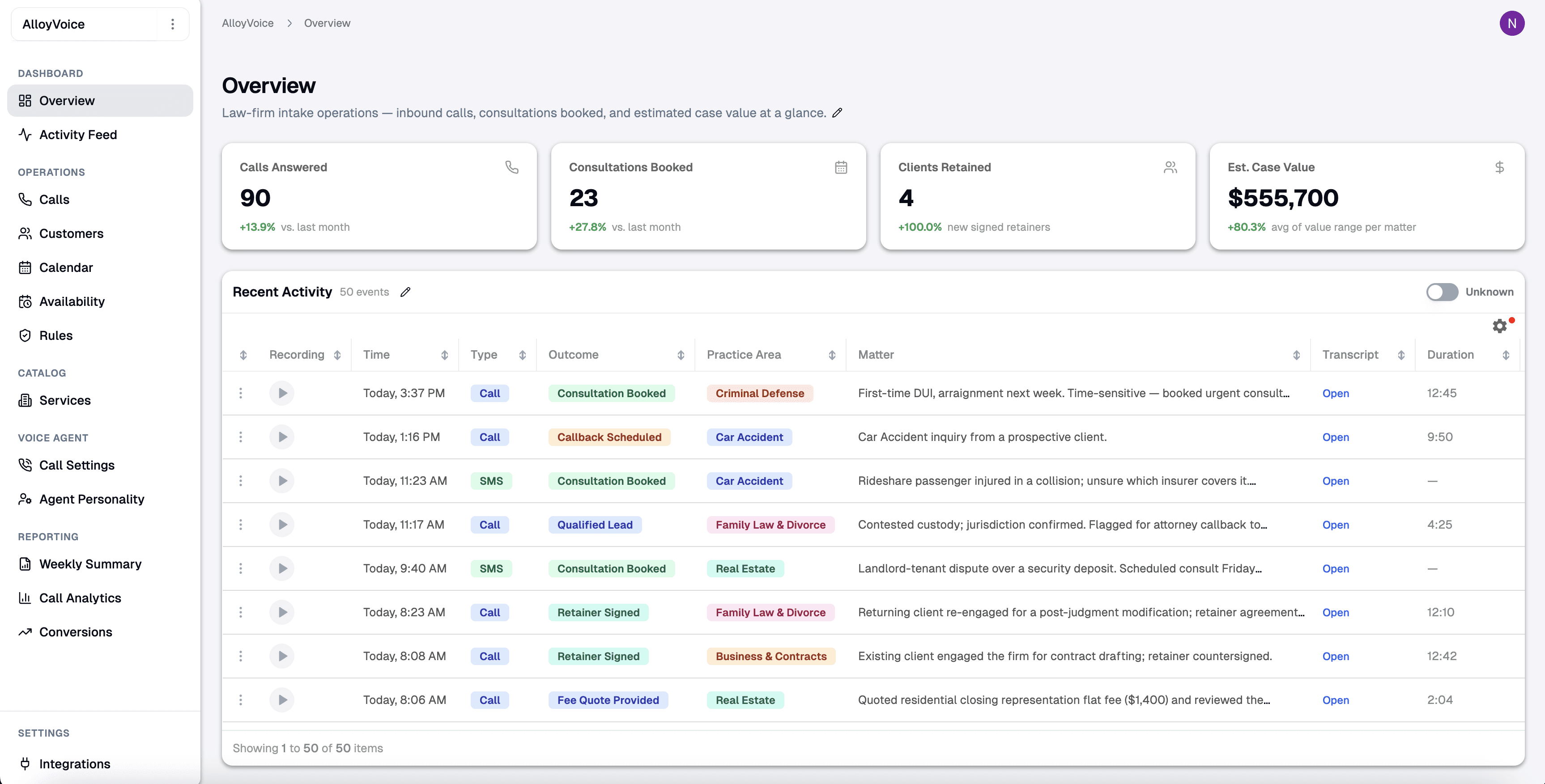
Questions about automatic file notes
Before AlloyVoice joins your next call.
Both. Calls are recorded through your business line or the AlloyVoice app. For meetings, AlloyVoice joins from the calendar invite, or records from your phone when you are in the room.
That is your setting, because consent rules differ by state. AlloyVoice can announce the recording at the start of every call and meeting, and it never claims to be human: if anyone asks, it says it is an AI.
Into your AlloyVoice dashboard, organized by client and matter, with the recording and the transcript attached. Export any note or transcript in a portable format whenever you like, or ask us to delete them.
A transcription app hands you a wall of text to read later. AlloyVoice hands you the file note in your format, and keeps the transcript one click away for when you need the exact words.
Cancel anytime. No long-term contracts, no cancellation fees. We also offer a 30-day performance guarantee, and you can export your notes and transcripts before you go.

Your next call, already written up
See AlloyVoice take the notes on a real call in a 20-minute demo.